
 Facebook
 Google Ads
 LinkedIn
 X
WhatsApp automation
Answer common questions, route conversations and keep customer follow-ups moving.
Your customers, your website and your next growth plan—all in one guided workspace. Tell Rise about your business. We’ll help you take the next step.
 Your goals come first.
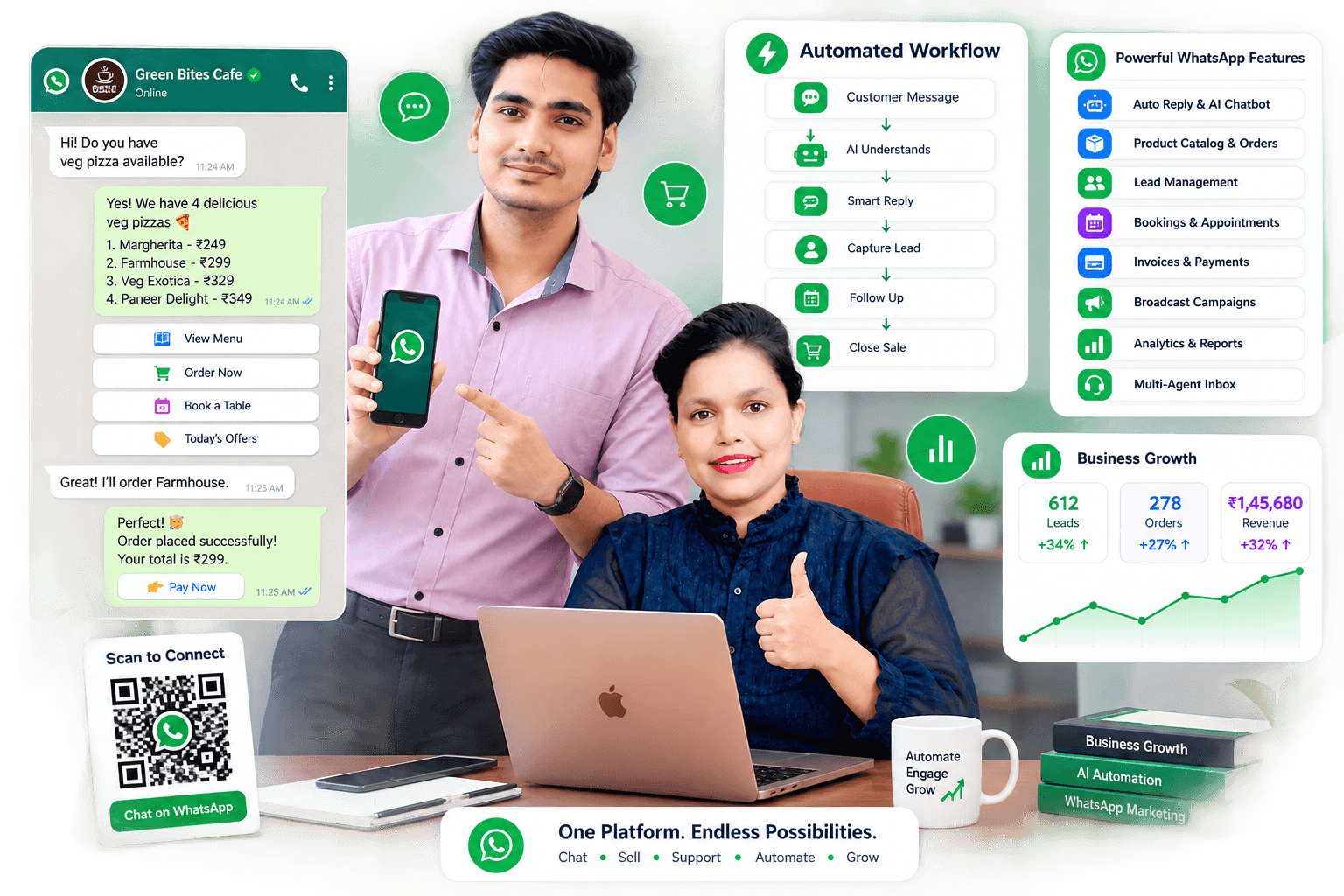 Illustrative workflow · example figures
Meet your customers where they already are.
Create, sell, support and grow. See where Rise fits in.
Connect product questions with your catalogue, payment links and customer follow-ups.
Drag, swipe or click a card to explore
Online stores, 1 of 4Scan. Chat. Complete.
Turn a counter, vehicle, table, brochure or storefront into a direct path to your business.
Digital menu
Catalogue
Place order
Chat
Book
Location
Payments
Connect your catalogue and store so your team can move from a customer question to an order, a payment link and a helpful follow-up.
Browse & order
Categories, prices and cart
Collect payment
Connected payment providers
Track fulfilment
Connected store order updates
Grow repeat sales
Offers and order insights
 Illustrative customer journey
Connected operations
Answer common questions, route conversations and keep customer follow-ups moving.
Create one scan-to-chat entry point for menus, catalogues, bookings and payments.
Present a clear, mobile-first catalogue customers can explore inside the conversation.
Capture, organise and follow up every enquiry without losing context between teams.
Assign conversations, add notes and let a person step in whenever judgement is needed.
Create a website from a template, add your catalogue and connect your existing store.
Prepare weekly or monthly captions, banners, video scripts and offers for your review.
See leads, messages, orders and collections in a practical business dashboard.
Simple onboarding
Choose your role, add your details and tell us what success looks like.
Connect WhatsApp, bring your website or choose a template for your idea.
Prepare your first automation or marketing plan with guided steps.

A workspace built around real business teams.
Automate routine work while your people remain in control.

Made for varied businesses
From a local restaurant to a multi-branch showroom, configure the customer journey, team roles and automation around your operation.
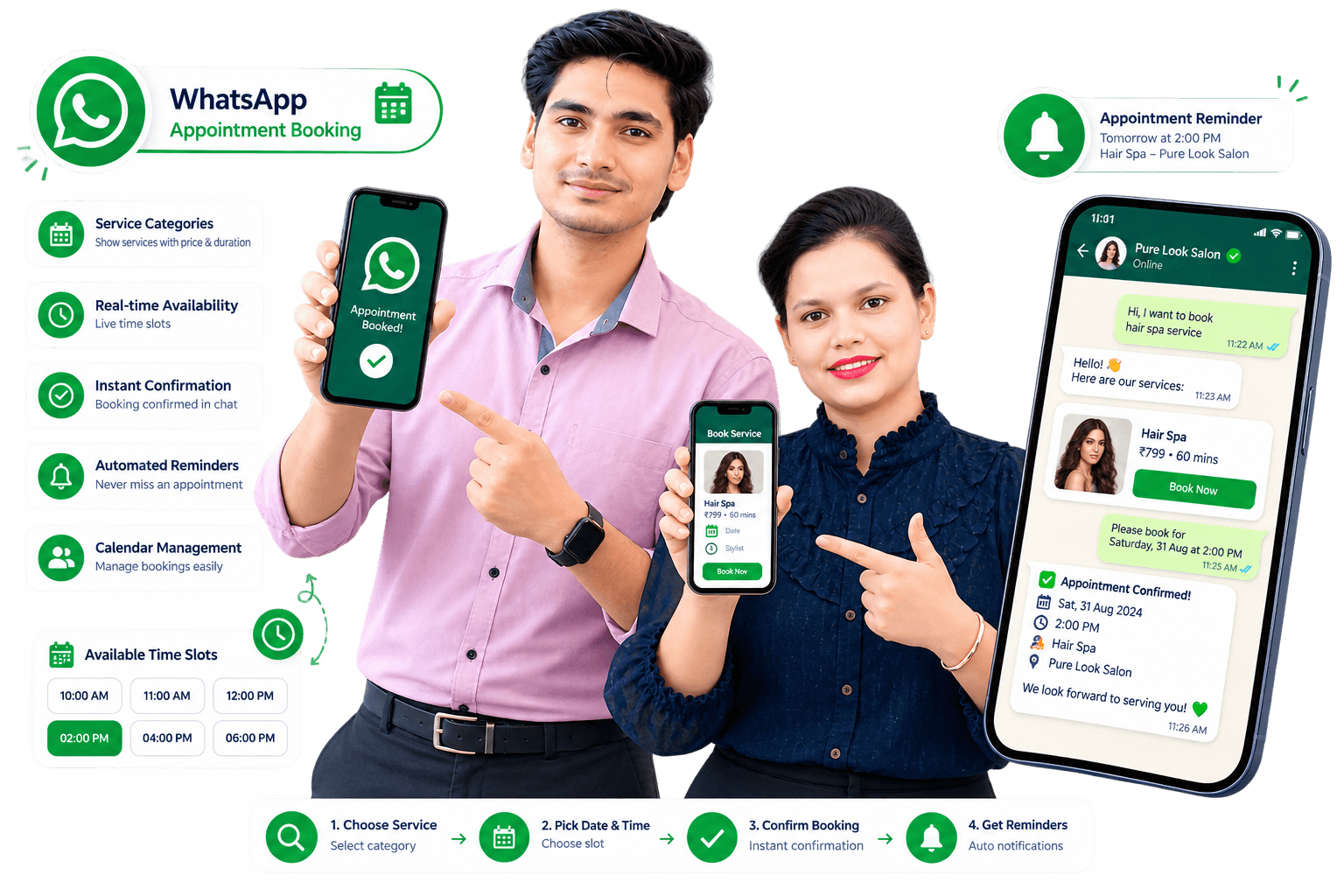 Illustrative booking journey · connected tools required
Help customers find the right service and reach your booking page from a conversation. Connect your booking tools to build the journey shown here.
Choose a service
Show categories, prices and duration
Pick a time
Connect your service or booking page
Confirm & remind
Plan confirmations and reminder journeys
Give your business a place to shine, then build a plan to bring people to it.
Choose a template, add products or services and preview your site. Already online? Share your URL to find a connection path.
Create your website

Prepare a 7- or 30-day plan with captions, banner designs, video scripts and search keywords. Refine every idea before you share it.
Plan your business growth
Someone asks for a price, a demo or more details. Set up a helpful reply and a private message on your connected Instagram or Facebook account.
Available actions depend on the connected account and Meta permissions.
Create a website from a ready-made style. For your app, bring your branding and service details together in one guided project, ready for a supported source template.
Your logo, colours, images and business details.
Save progress and return to the next missing detail.
See what is ready and what your build team still needs.
App builds and store submission require supported source code, signing and developer accounts.

Choose a package, share your brand and review your quote. Track the setup, test your release and approve exactly what goes live.
START YOUR DIGITAL BUSINESS
Your brand, a customer app and a website — with one clear delivery plan.
Request a quote
REACH BOTH MOBILE PLATFORMS
Bring the same business experience to Android, iPhone and the web.
Request a quote
CUSTOM SCOPE · CUSTOM QUOTE
Need something beyond the template? Agree the features and cost before work starts.
Request a quote
Report issues from your project workspace. New features and extra customization are quoted separately, so you know the cost before work starts.
Source compatibility is reviewed before building. Domain, hosting, licences and provider fees are specified in your quote. Store approval is decided by Google or Apple. Template-based iOS apps use the client’s own account and final submission. Build and store connections are being prepared.
Start with customer engagement and expand automation as your business rises.